
The decision to switch to a new Email Marketing Provider (ESP) presents a significant opportunity. Whether you’re still evaluating options or the migration process has begun, leveraging this transition to “clean house” can lead to dramatically better results.
See This ESP Migration as a Fresh Start
The saying, “Change the way you look at things and the things you look at will change,” perfectly applies to an ESP migration. It can be viewed as either a substantial hassle or a profound opportunity.
While managing the intricate details of a migration is essential for a smooth transition, taking a strategic approach beforehand can yield immense advantages. By following these 5 steps, you can clean your existing setup and launch your new ESP with a clean slate, ensuring a more efficient and effective email marketing program.
Step 1: Evaluate Your Current Email Satisfaction and Performance
Begin by thoroughly assessing your current email marketing practices. Identify what’s performing well, what isn’t, and what creates friction or inefficiencies. Document processes and campaigns that would benefit from a new approach within the new platform.
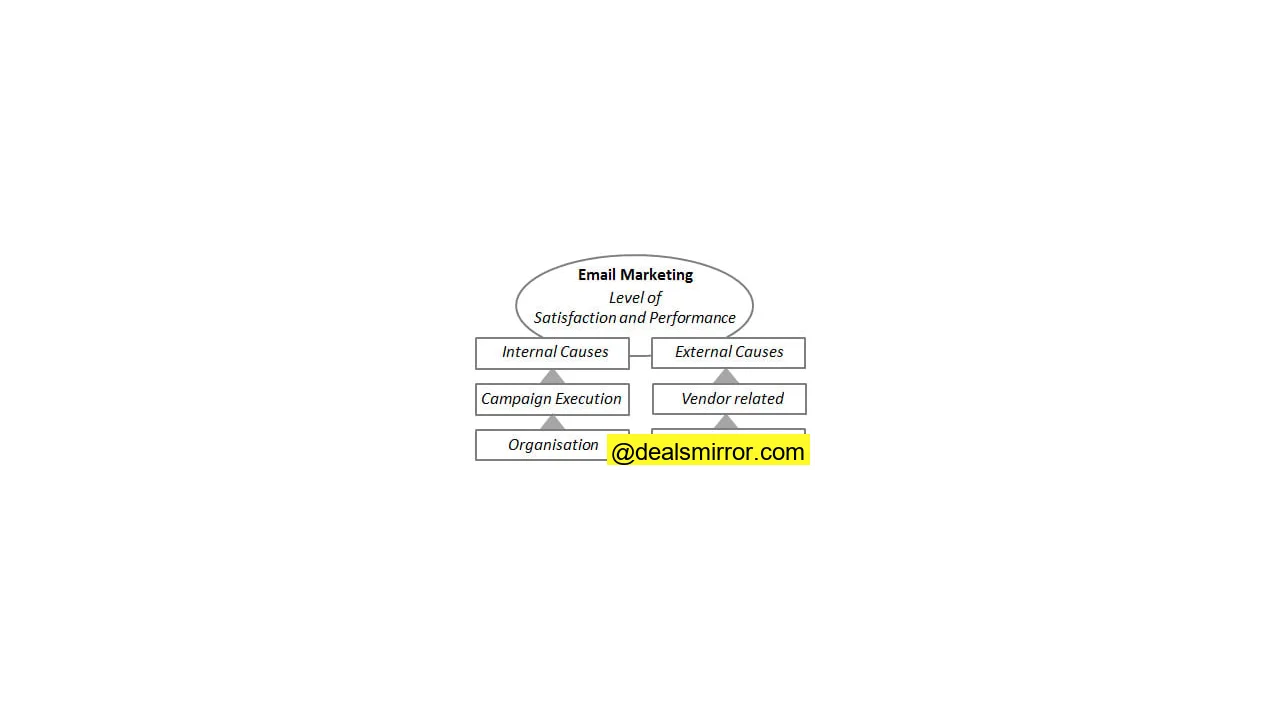
Clearly distinguish between issues stemming from the previous ESP and those originating from internal processes. Engage your team members for their input, and consult with management or other departments that interact with the ESP platform or are served by your email marketing efforts. Addressing any underlying issues or “elephants in the room” before migration is crucial for committing to improvement rather than replicating old problems.
Step 2: Review What You Need to Move to the New ESP
Next, meticulously review the “baggage” you plan to migrate. Not everything needs to come along for the ride. Document all components you currently have:
- Users and permissions
- Approval processes
- Lists (including your unsubscribes, bounces, and spam complaints)
- Campaign structure
- Rules for segmenting
- Rules for automated and triggered emails
- Database and schema
- Images
- Content, including automated and triggered email content
- Past emails
- Hosted images
- Current emails and email templates
- Integrations, including both data feeds and APIs
- Reporting including custom reporting
- Forms
- Landing pages
- Web analytics
Step 3: Organize Your Data and Campaigns
As you review your existing assets, take the opportunity to get organized for the move. Explore the new platform’s capabilities and flexibility, identifying new features you can leverage. Reorganize your campaigns and email tagging structures. Streamline your data, fields, and especially your data structures. Review your HTML to ensure it will render correctly in the new platform. Finally, ensure all SPF and DKIM records are configured as needed.
Step 4: Clean House, Do a Final Reactivation Campaign
Beyond taking stock and getting organized, an ESP migration is the perfect time for thorough list hygiene. Prioritize this step before moving. The goal is to separate active subscribers from inactive ones.
Remember: Reactivation comes before Migration.
Execute a reactivation campaign using your current ESP well in advance of the move. This allows you to identify and remove truly inactive subscribers, preventing you from carrying “dead weight” to your new platform. Review automated and triggered emails, landing pages, and subscription forms to ensure they are current and effective. Any outdated elements should be revised, replaced, or rebuilt. If you plan to use a dedicated IP, collaborate with your new ESP to understand how you can begin to warm up your IP, potentially even before the full migration.
Step 5: Start Anew and Set Expectations
Embrace this move as a fresh start, allowing you to discard outdated practices. Even if you cannot complete all five steps, dedicate time to reviewing past performance. Marketers are often so focused on execution that they lose sight of the bigger picture and overall effectiveness.
Analyze your campaigns, looking for trends and outliers. If possible, perform a data dump to preserve your historical performance. Additionally, review benchmarking reports to understand industry standards and identify areas for improvement.
According to the Benchmarking Report Marketing automation by B2Bmarketing.net and Circle Research, 61% agree that the implementation process of marketing automation was difficult.
How Moving to a New Email Marketing Provider Can Be a Fresh Start
Switching Email Marketing Providers can be likened to any significant move – it can feel like a major hassle, but it’s also a profound opportunity for a fresh beginning.
Many view a move as a chance to declutter, literally and figuratively cleaning house, shedding what is no longer needed, and getting organized. Unfortunately, not everyone approaches it this way. Some move from one location to another, bringing along everything, including boxes of unwanted items, unread books, ill-fitting furniture, and outdated papers.
Avoid this mistake when switching ESPs.
A strategic ESP transition, though challenging, is an investment in making a real improvement. It’s not just about a new vendor, but about establishing new systems, processes, components, and tools. Ultimately, this leads to greater efficiency and effectiveness in your email marketing endeavors.